Storage, network, and power for the whole studio.
We plan, install, and document the infrastructure your workstations depend on: shared storage that is backed up, a fast, secured network you can control, and power that keeps everything running. Built on Synology and UniFi. Order any part on its own, or all of it together.
One place for every project, backed up.
Synology NAS storage with Synology drives, set up with shares, user accounts, snapshots, and a backup routine, and tested before handover.
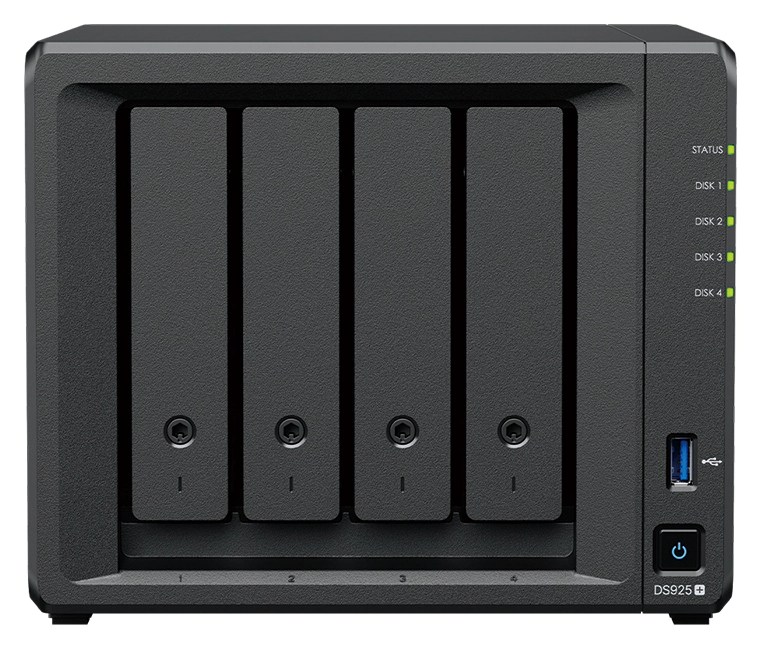
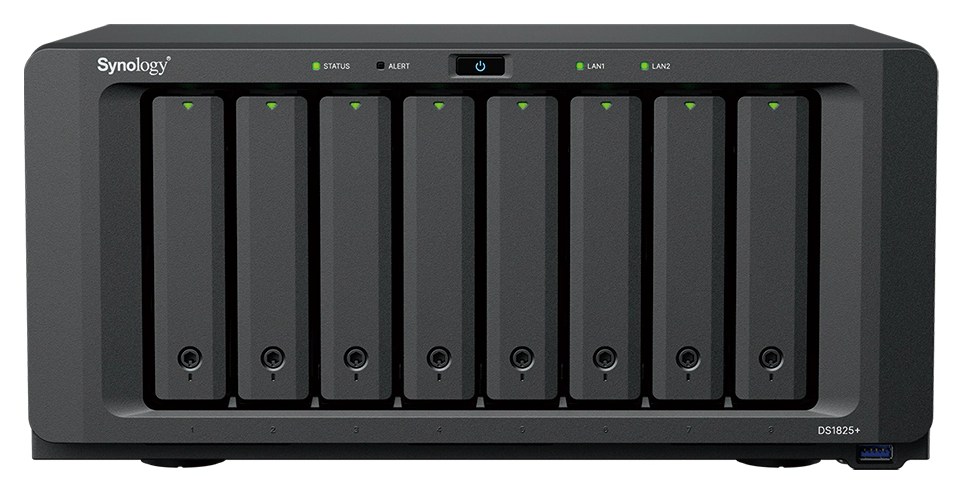
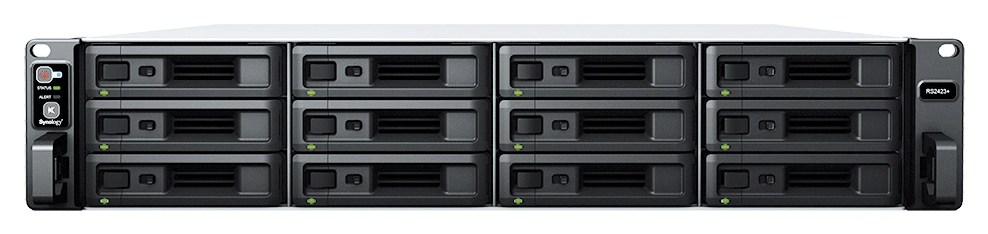
*Example configurations with indicative prices, including the starting drives, setup, and documentation. Add drives as your projects grow, without rebuilding the storage; expansion units are set up as their own storage pools, as Synology recommends. Hard drive prices are moving quickly in 2026, so your quotation always uses current pricing. Prices are final, with no PPN added on top.
A network you can see, secure, and control.
UniFi gateways, switches, and access points, managed together from one dashboard, so you always know what is on your network and what it is doing.
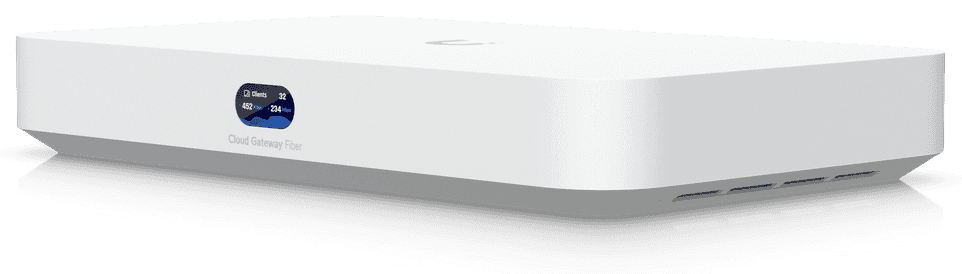


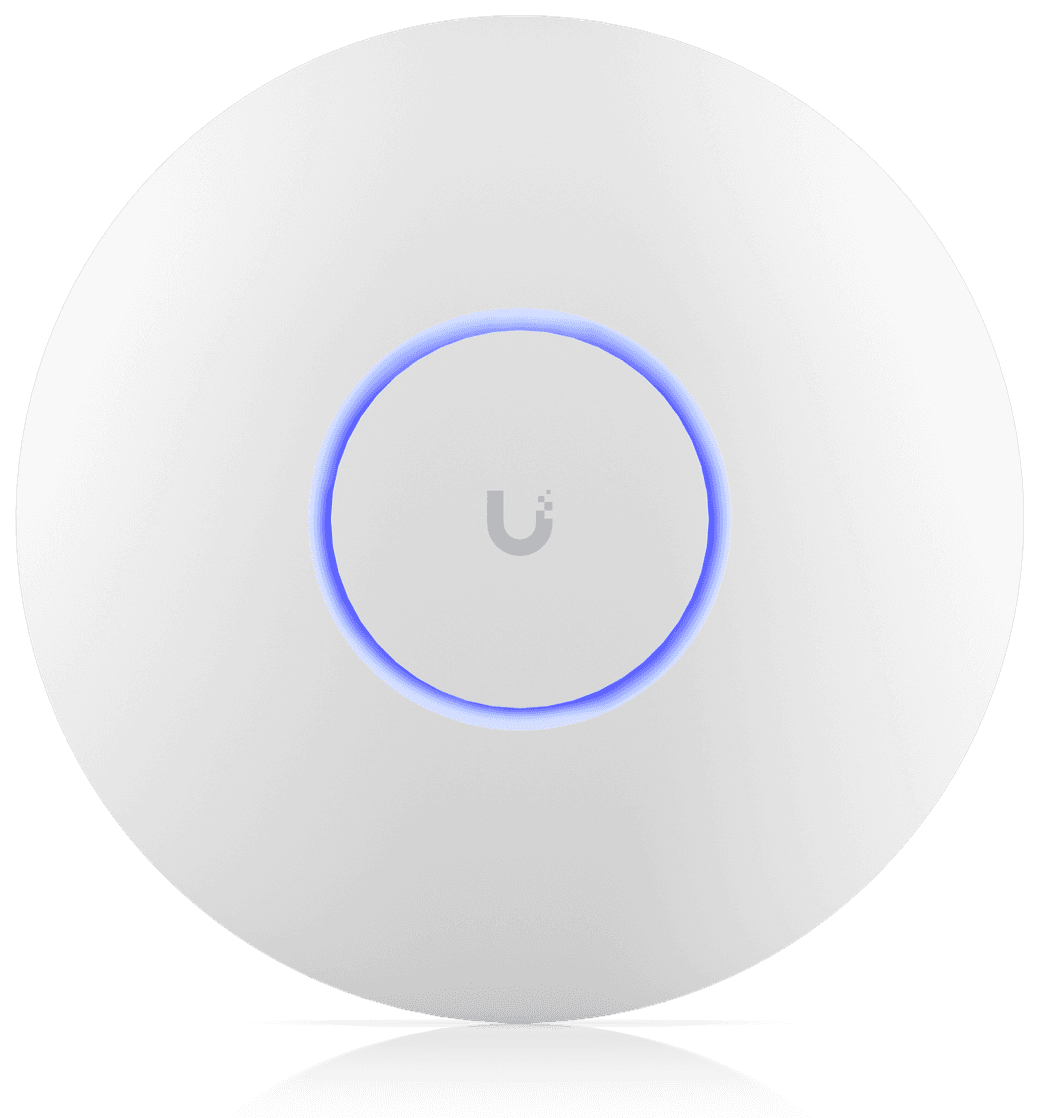
Managed and monitored
Every device and access point in one dashboard: settings and updates managed centrally, usage per device and app, and alerts when something drops offline.
Threat protection
Intrusion prevention and blocking of known malicious sites at the gateway, before they reach a workstation.
Ad and content blocking
Ads, trackers, and the site categories you choose, blocked for the whole office without installing anything on each machine.
Internet access control
Lock or limit internet access per person, device, or schedule, for example for guests or outside working hours.
Secure remote access
A VPN so team members working from home reach the studio's storage and machines safely, as if they were in the office.
Internet that stays up
Two internet lines with automatic failover when one drops, or both used at once with load balancing.
Faster wired network
2.5 GbE or 10 GbE to each workstation, and 10 GbE to storage, for large project files.
Better Wi-Fi
Wi-Fi 7 access points placed for your floor plan, with seamless roaming from room to room.
Guest Wi-Fi
A separate network for visitors, kept apart from the studio's machines and storage.
Security cameras
UniFi Protect cameras recorded on site, viewed in the same app. No monthly cloud fees.
Door access
UniFi Access card and phone entry, with a log of who came in and when.
Every network is planned for its space and quoted to your studio. Product images: Synology Inc. and Ubiquiti Inc.
The groundwork that holds it together.
Racks and cabling
Racks, patch panels, and cable runs, labelled and tidy, so anyone can trace a connection later.
Power protection
UPS units sized to the load, with safe shutdown for storage when the power goes out.
Not ready to change anything yet? Start with a survey.
We can look at what you have without installing anything, and leave you with the documents to decide your next step.
Site survey
Your network, Wi-Fi coverage, storage, cabling, and power, checked on site.
Documentation
A record of what you have: devices, connections, storage layout, and how it is all set up.
Recommendations
A written proposal of what to fix or improve, in order of priority, with a budget.
Handed over with its records, like our workstations.
You receive the setup and everything needed to run it, change it, or hand it to someone else.
- Network map of what connects where, with ports and cable labels
- Configuration and admin access for every device, handed to you
- Security and access rules: what is blocked, for whom, and when
- Storage layout: pools, volumes, shares, and permissions
- Drive serial numbers and health at handover
- Measured throughput between workstations and storage
- A tested restore from the backup, so you know it works
Looked after once it's running.
On site or remote
We support your infrastructure on site or remotely, depending on your setup.
Scheduled upkeep
Drive health checks, firmware updates, and test restores from your backups, available separately.
See services →Tell us what you're building.
Send your software, typical project size, and budget, and we'll come back with a configuration and a quotation.